See cities together
Keep current times, dates and time differences in one view.
Bokeria / Everyday tools
Find the right time to call, meet or travel. Compare your favorite cities in one place.
iPhone & iPad · Android


What it does
Keep current times, dates and time differences in one view.
Choose another date or time to compare a meeting or trip.
Use Android home-screen widgets and adjust time format, themes and text size.
Inside the app
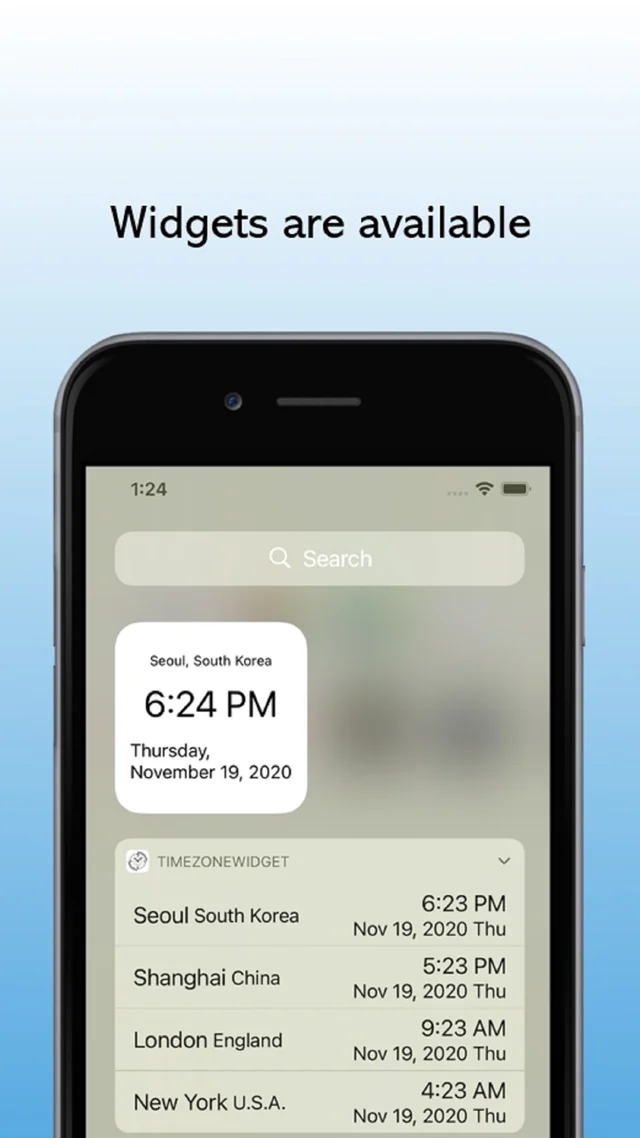
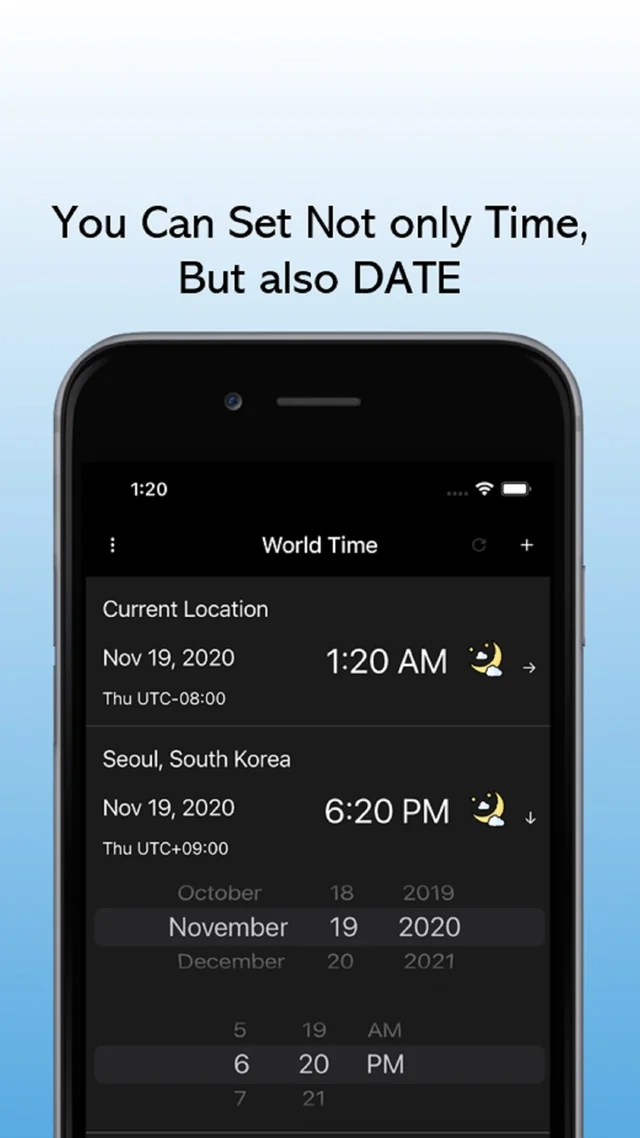
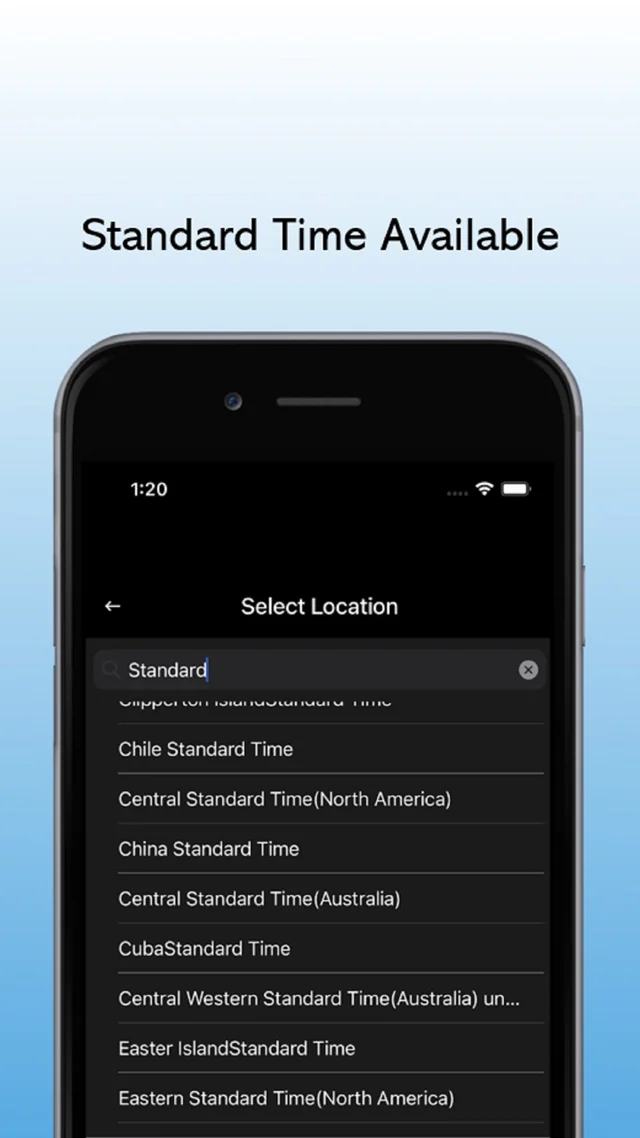
Actual app screens. Appearance and available features vary by device and version.
Getting started
Good to know
Here to help
Tell us the app name and version, your device, and what happened. Please leave out private documents, photos and payment information.
appsupport@bokeriastudio.comRead about permissions, data handling and your choices, alongside the conditions for using the app.