Choose how to split
Every page, every N pages, page ranges, chosen pages in one file, or odd and even pages.
Bokeria / PDF tools
Split a PDF the way you need: every page, every few pages, page ranges, chosen pages or odd and even pages. Split on your device, then share or ZIP the results.
iPhone & iPad · Android


What it does
Every page, every N pages, page ranges, chosen pages in one file, or odd and even pages.
Tap thumbnails to choose pages. In version 2.1.0 or later, you can also tap between thumbnails to set split points and save chosen pages as separate PDFs.
Choose how to name and number files. Share them individually or as a ZIP. In version 2.1.0 or later, preview and rename the results or save them to a folder.
Inside the app
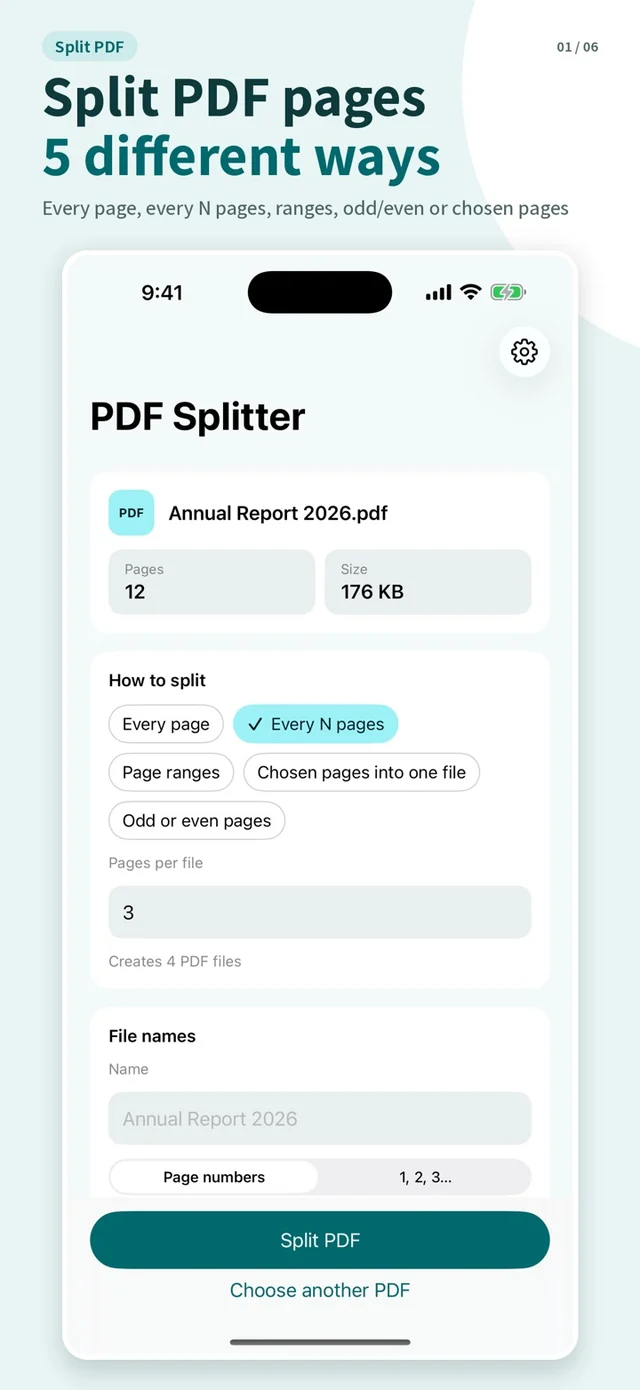
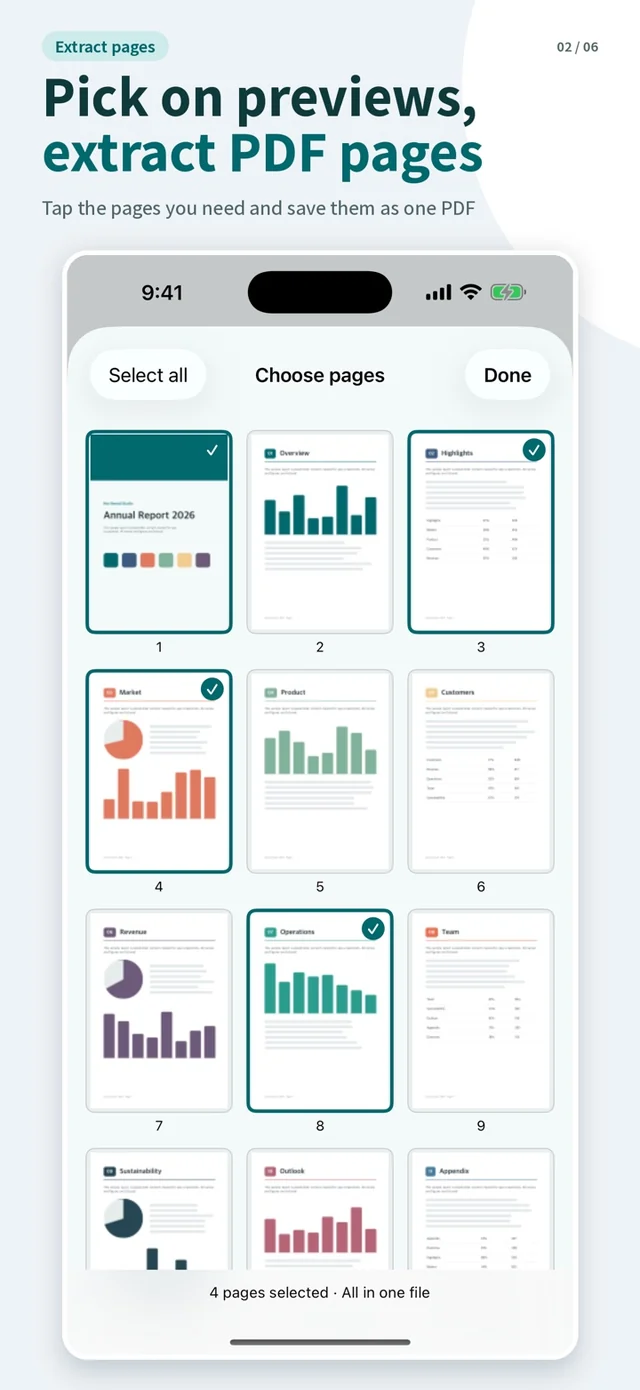
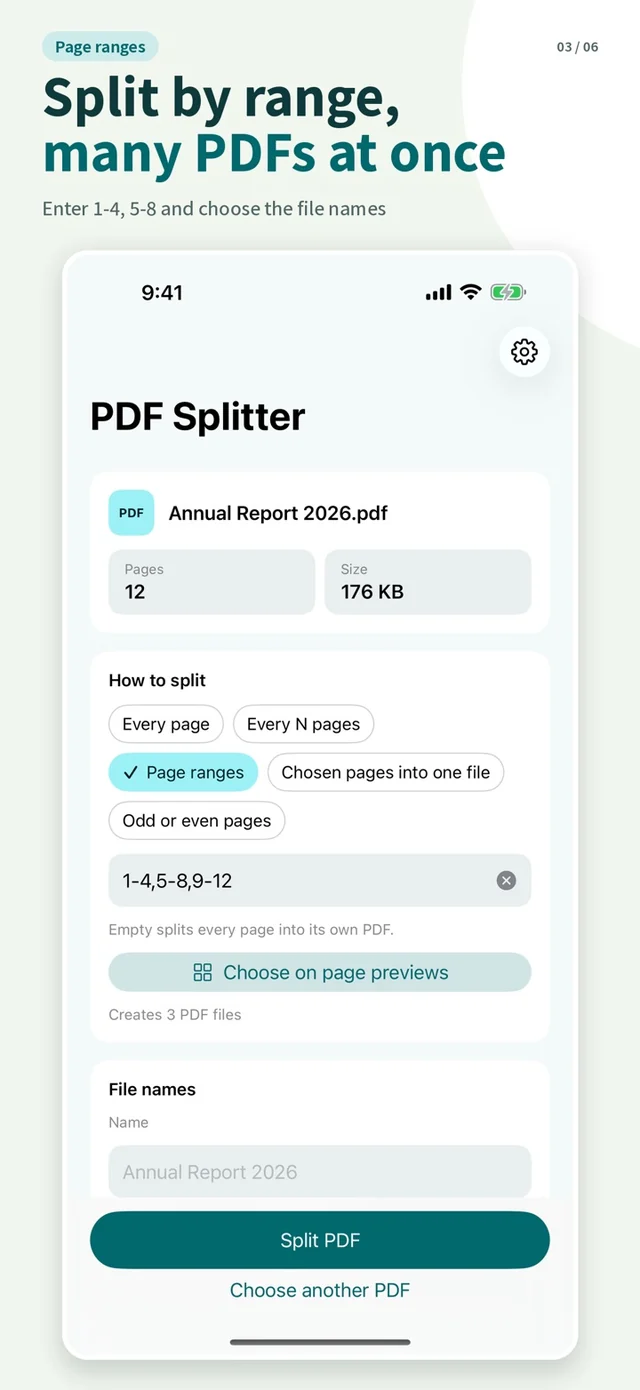
Actual app screens. Appearance and available features vary by device and version.
Getting started
Good to know
Here to help
Tell us the app name and version, your device, and what happened. Please leave out private documents, photos and payment information.
appsupport@bokeriastudio.comRead about permissions, data handling and your choices, alongside the conditions for using the app.