Precise image splits
Place horizontal or vertical cuts, adjust by pixels, and review suggestions before applying them.
Bokeria / Photo & video
Split, arrange and join images. Prepare grids, carousels and multi-sheet posters on your device.
Android and iOS — release preparation; downloads are not available yet.

What it does
Place horizontal or vertical cuts, adjust by pixels, and review suggestions before applying them.
Arrange rows and columns or make ordered slides with a seam preview. Save settings as your own presets.
Join images, adjust overlaps, create a collage or divide a poster across paper sheets.
Choose image or poster PDF output, save selected results, and share files or a ZIP. Add your own optional watermark.
Inside the app
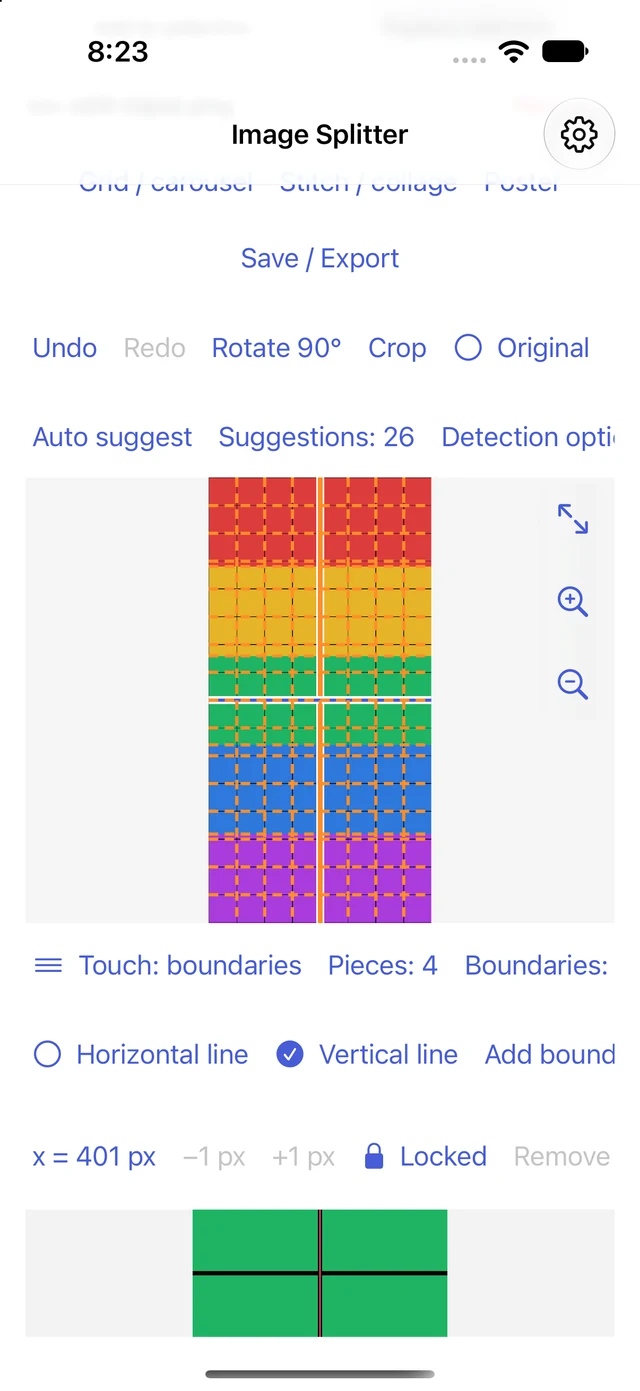
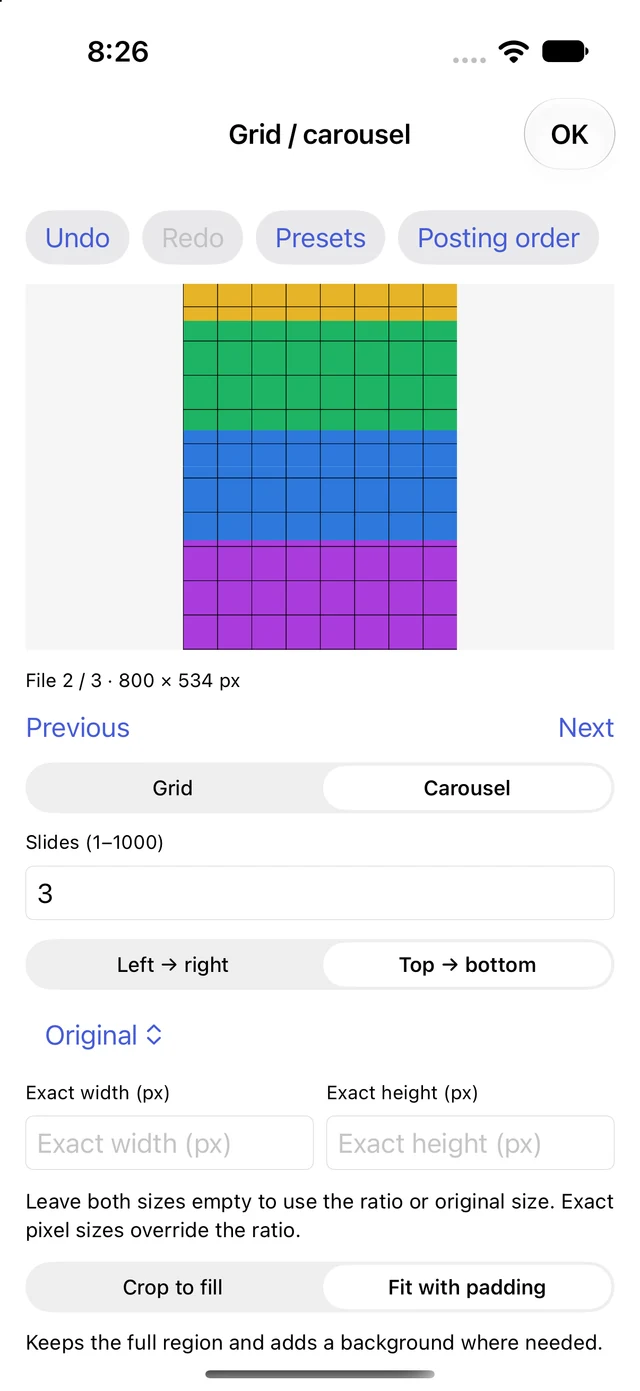
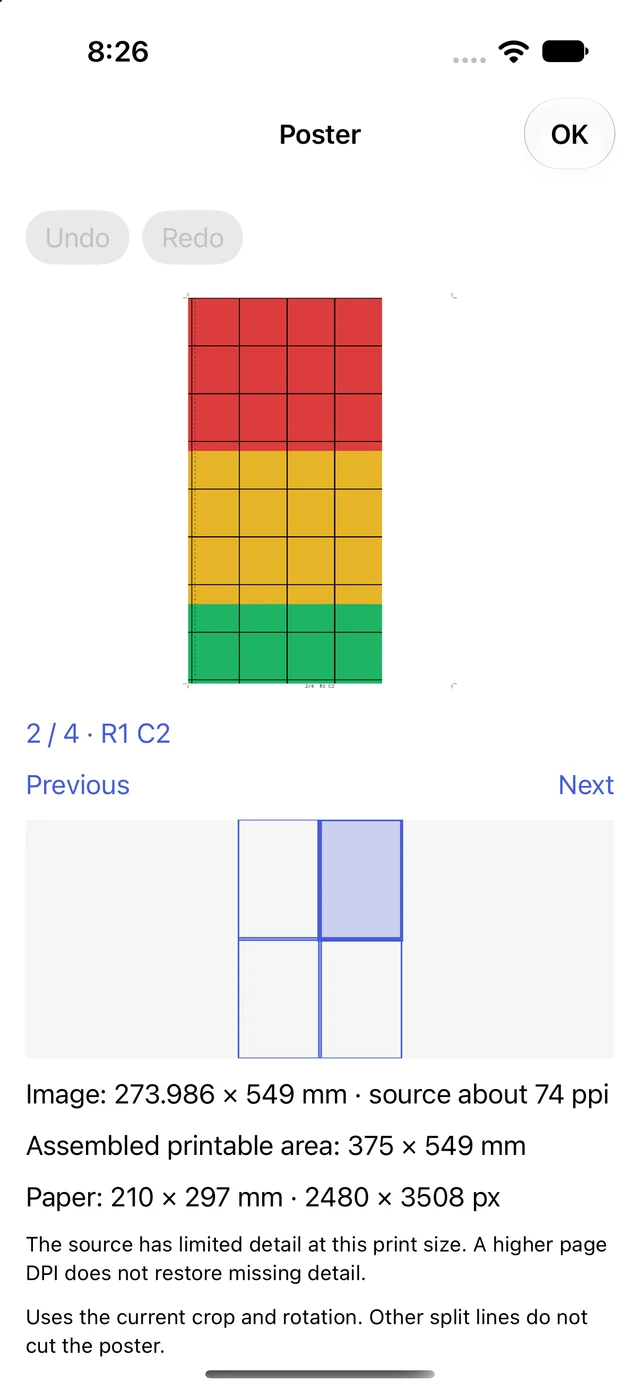
Actual iOS simulator screens from the release preparation build. Android appearance differs. The displayed poster is a preview, not proof of a physical print.
Getting started
Good to know
Here to help
Tell us the app name and version, your device, and what happened. Please leave out private documents, photos and payment information.
appsupport@bokeriastudio.comRead about permissions, data handling and your choices, alongside the conditions for using the app.