Make a smaller video for your next upload. Set a target in MB, compare the result, and save a new file.
iPhone & iPad · Android
What it does
A few things made easier.
01
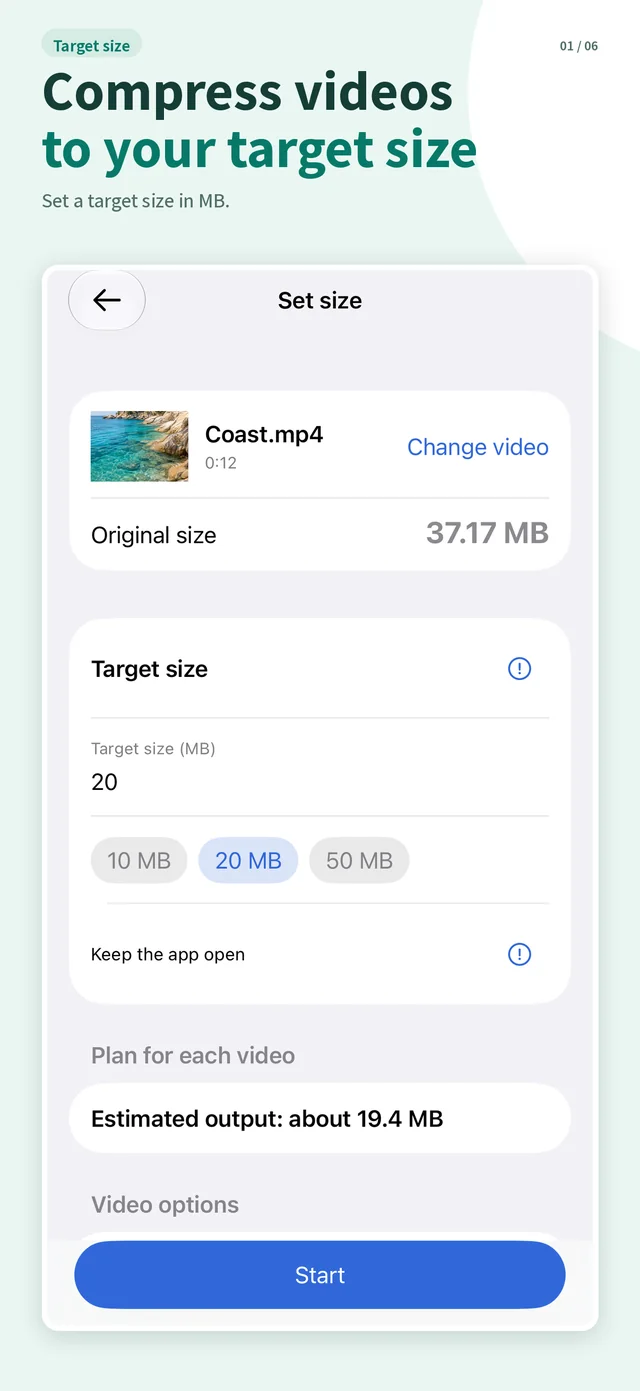
Choose your size
Set a target in MB, a size ratio or a quality setting.
02
Keep the part you need
Trim a clip and adjust resolution, frame rate and sound.
03
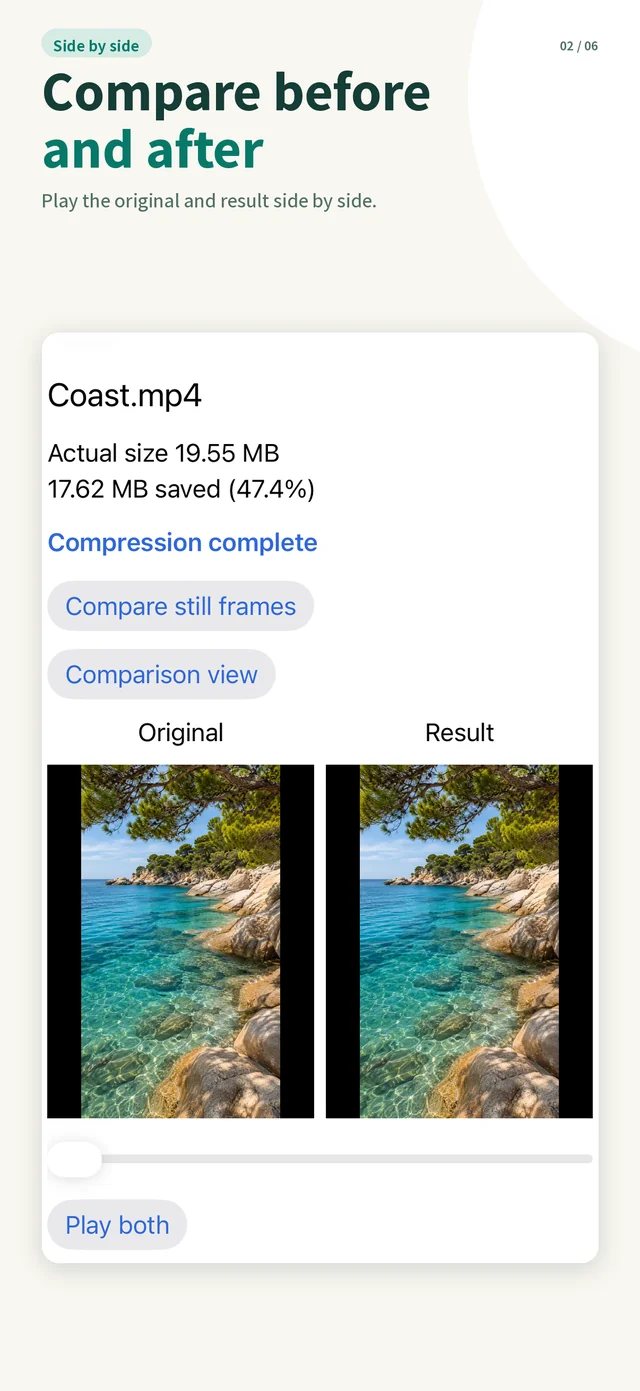
Check before sharing
Preview a sample and compare the result with the original.
Inside the app
See it for yourself.
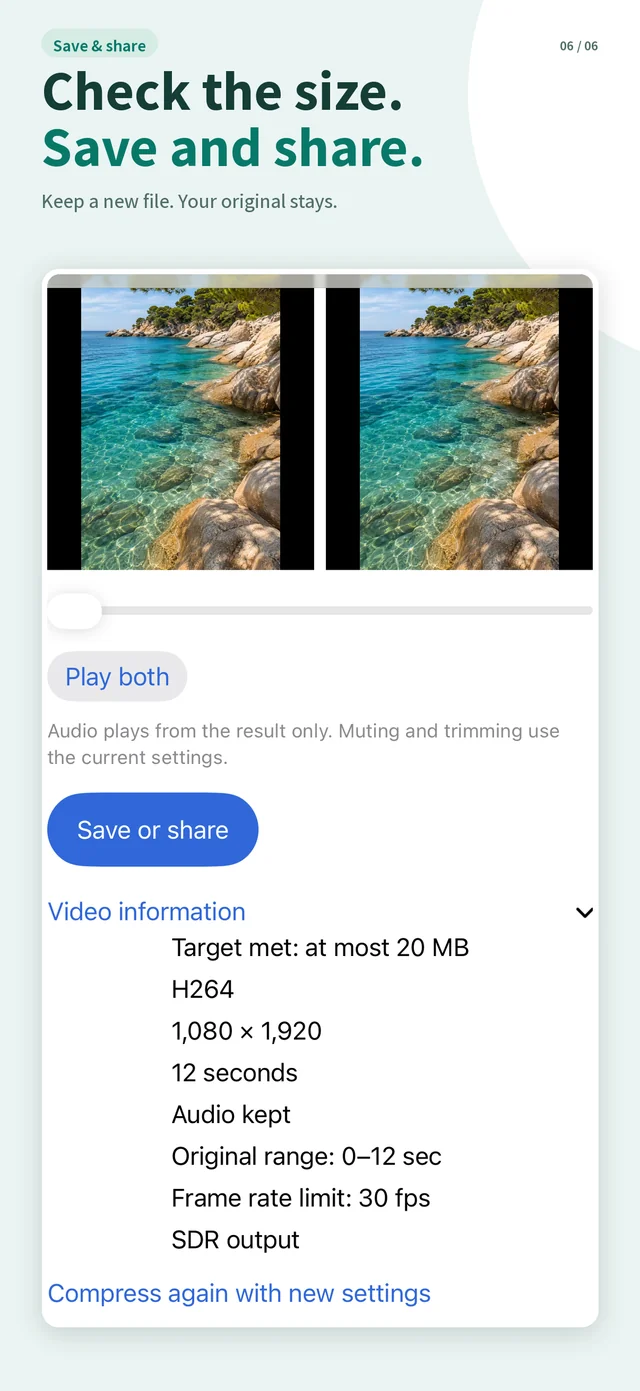
Set your target in MBCompare original and resultCheck the size and save
Actual iPhone app screens. Features and appearance may vary by platform and version.
Getting started
From open to done.
Select one video from Photos or Files.
Set your target and optional trim, quality or sound settings.
Compress, review the result, then save or share a new file.
Good to know
Before you start.
External originals are not overwritten or automatically deleted. Export results before clearing app copies or applying retention rules.
Every target size is not achievable. Format, HDR, quality and processing time depend on the source and device; very small targets may need adjusting.
A share sheet closing does not confirm delivery or saving in another app. Cloud downloads, banner ads in version 1.1.0 and later, and optional analytics or diagnostics may use the internet.
Here to help
Need a hand?
Tell us the app name and version, your device, and what happened. Please leave out private documents, photos and payment information.