Scan your library
Look for matching files and visually similar photos on your device.
Bokeria / Photo & video
Find exact duplicates and similar photos. Compare each group and choose what to keep.
Android

Available on Android. An iOS version is being prepared for the App Store.
What it does
Look for matching files and visually similar photos on your device.
Compare suggested matches before selecting deletion candidates.
Confirm removal through the system when you are ready.
Inside the app
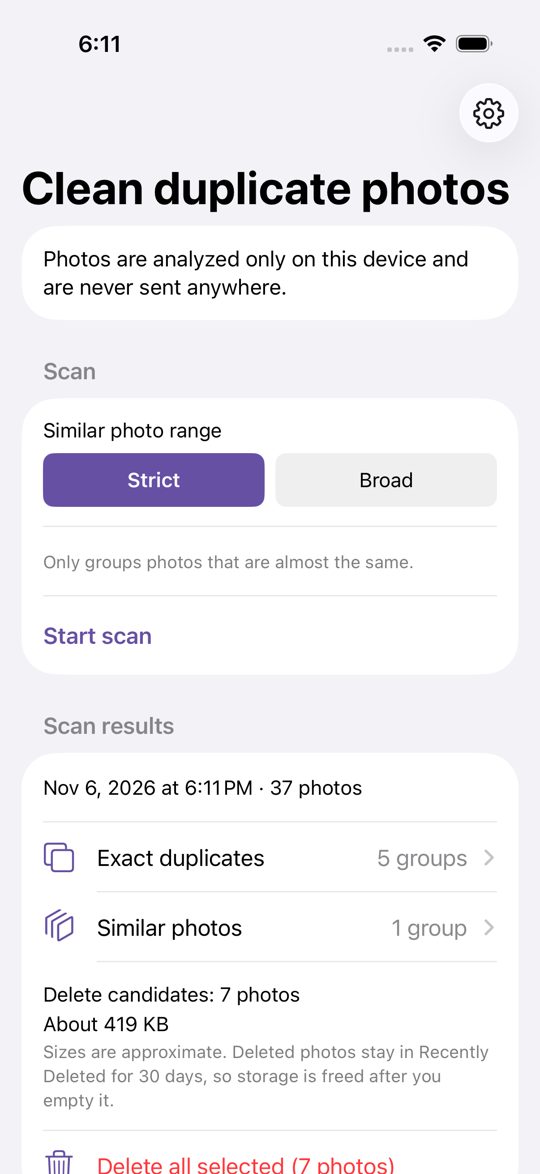
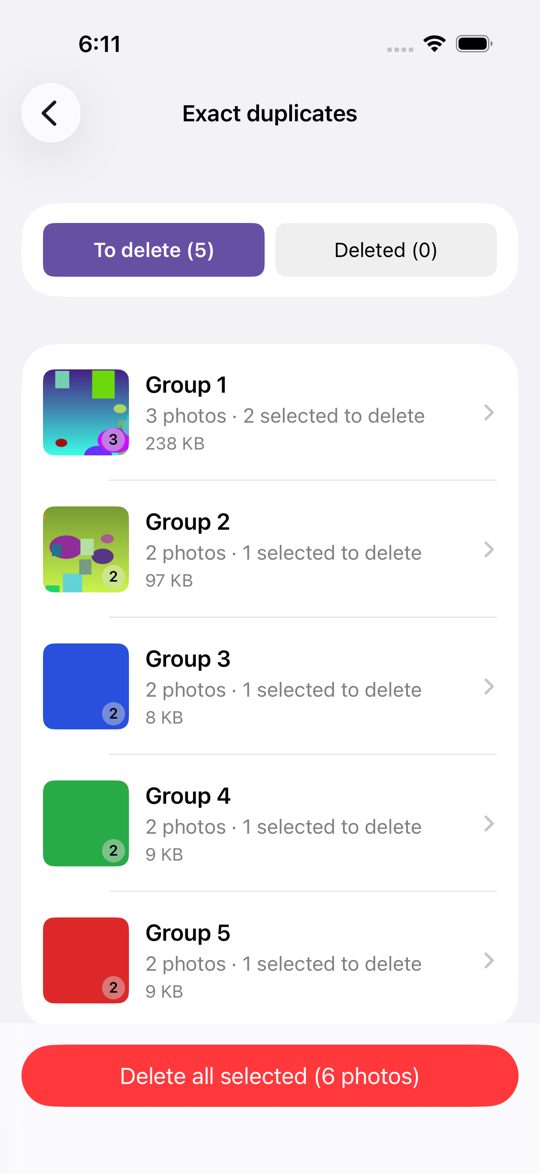
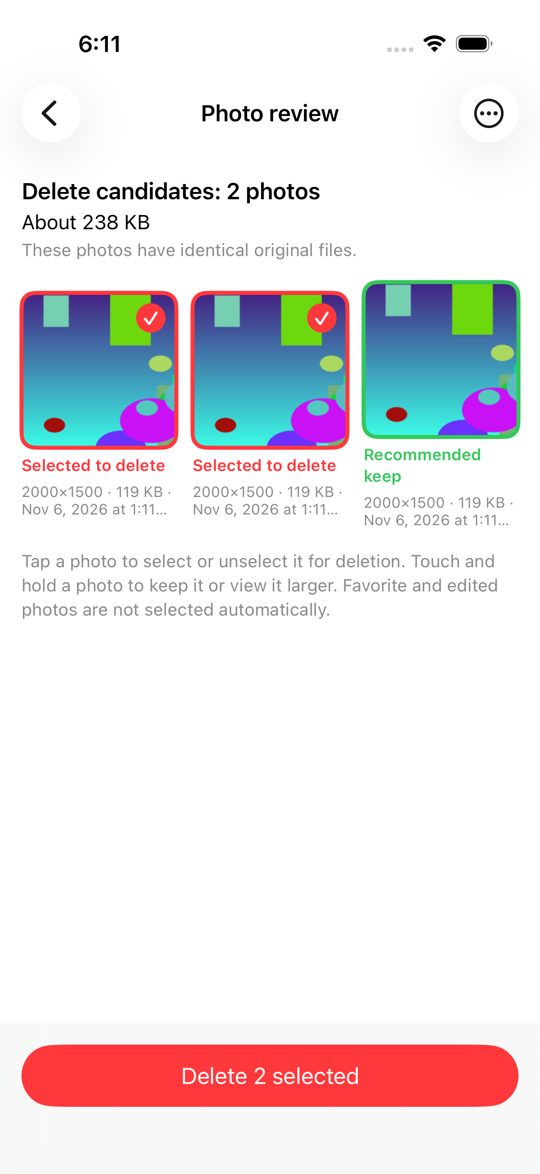
Actual iPhone app screens using sample test images. Appearance varies by platform.
Getting started
Good to know
Here to help
Tell us the app name and version, your device, and what happened. Please leave out private documents, photos and payment information.
appsupport@bokeriastudio.comRead about permissions, data handling and your choices, alongside the conditions for using the app.