Read a PDF, mark what matters, and save or share a new copy while keeping your original.
iPhone & iPad · Android
What it does
A few things made easier.
01
Read and mark
Draw highlights and lines, choose colors, zoom, erase and undo.
02
Return to your work
Reopen saved documents and continue from your last page.
03
Save a marked copy
Export your work to keep it outside the app or share it with someone else.
Inside the app
See it for yourself.
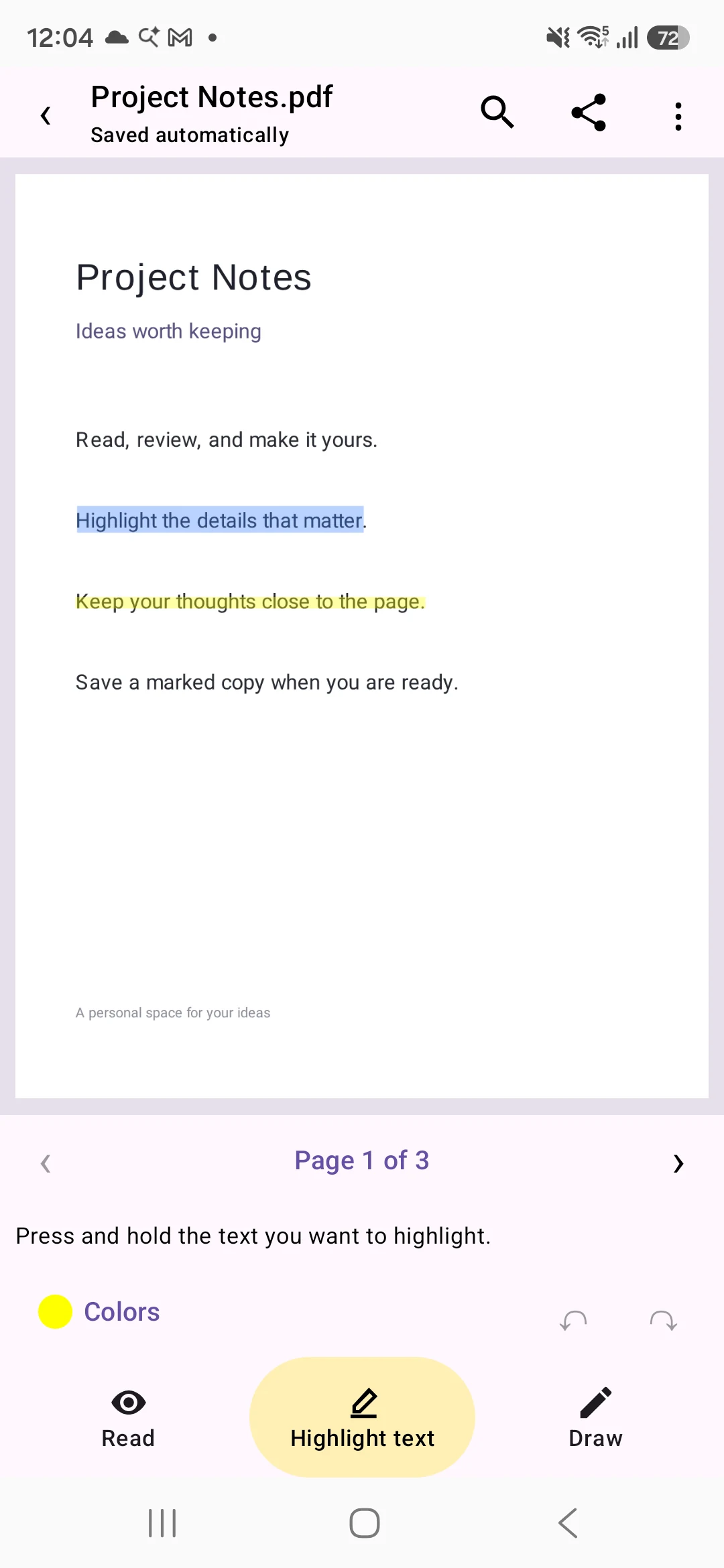
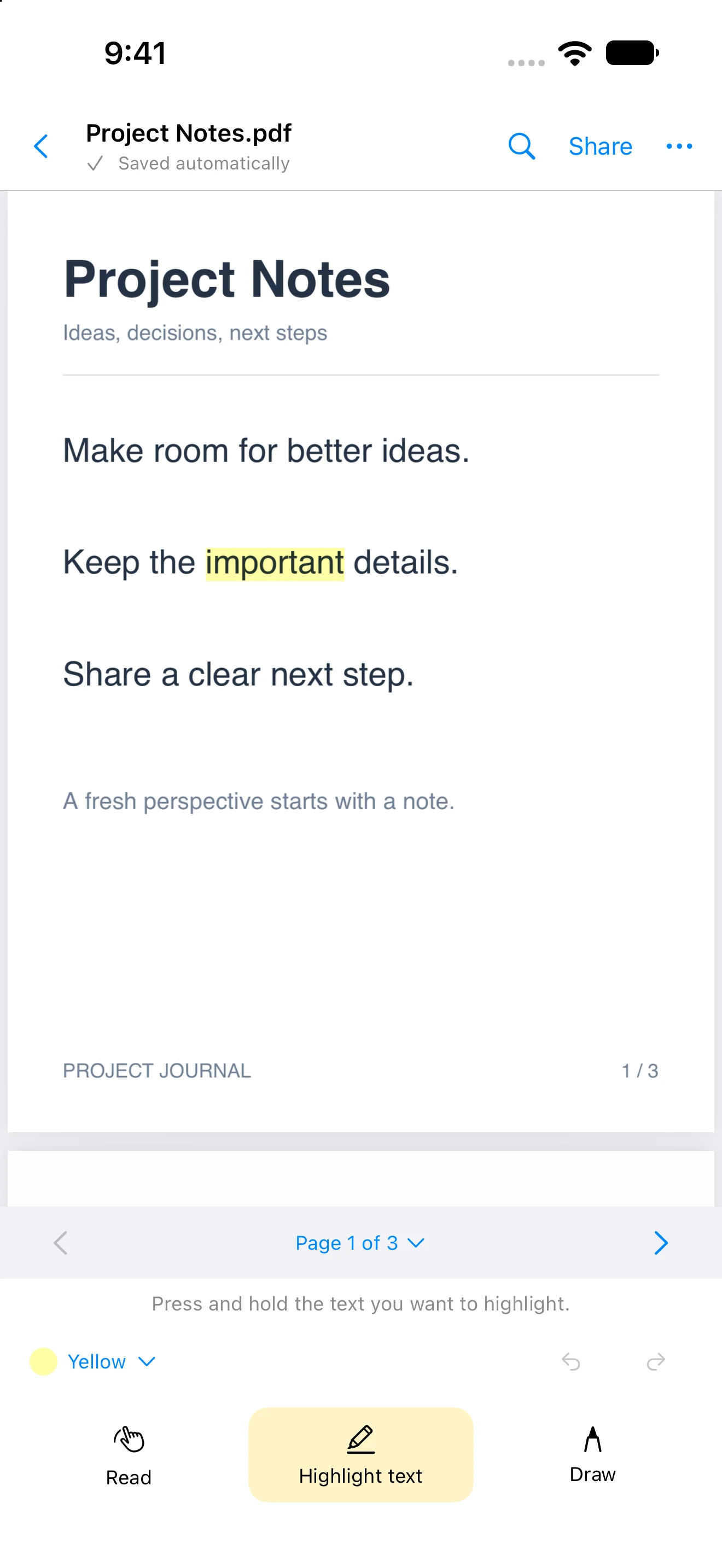
Read, text highlight and draw toolsText highlights in the iPhone PDF editor
Actual 1.1.0 candidate screens from a Galaxy A16 and an iPhone simulator, using an anonymous sample document. Install the corresponding update to use its new tools.
Getting started
From open to done.
Open a PDF; enter its password if it is protected.
Choose your reading or marking tools and review the document.
Save or share a new PDF and keep important work in a separate location.
Good to know
Before you start.
Version 1.1.0 adds text selection, highlight/underline/strikeout, notes, search, bookmarks, annotation lists and on-device OCR after the update is installed. Earlier versions provide freehand marking. Store availability may vary.
Android downloads selected OCR language data from GitHub and reuses it offline. iOS uses languages supported by Apple Vision on the device. OCR enables in-app search and selection; it does not add a searchable text layer to exported PDFs.
Exports and unlocked working copies do not retain the original PDF password. Version 1.1.0 offers editable annotation PDFs or image PDF copies. Original PDF text editing and form filling are not offered.
iOS through 1.0.12 keeps up to five recent documents and may remove older in-app copies; 1.1.0 removes that automatic limit. In-app storage is not a backup.
Here to help
Need a hand?
Tell us the app name and version, your device, and what happened. Please leave out private documents, photos and payment information.