Spot unused apps
Review app usage with the usage access you choose to grant.
Bokeria / Everyday tools
Find apps worth reviewing. See unused and large apps, then decide what to keep in Android settings.
Android

What it does
Review app usage with the usage access you choose to grant.
See storage size to prioritize your cleanup.
Open Android app information to inspect or uninstall an app yourself.
Inside the app
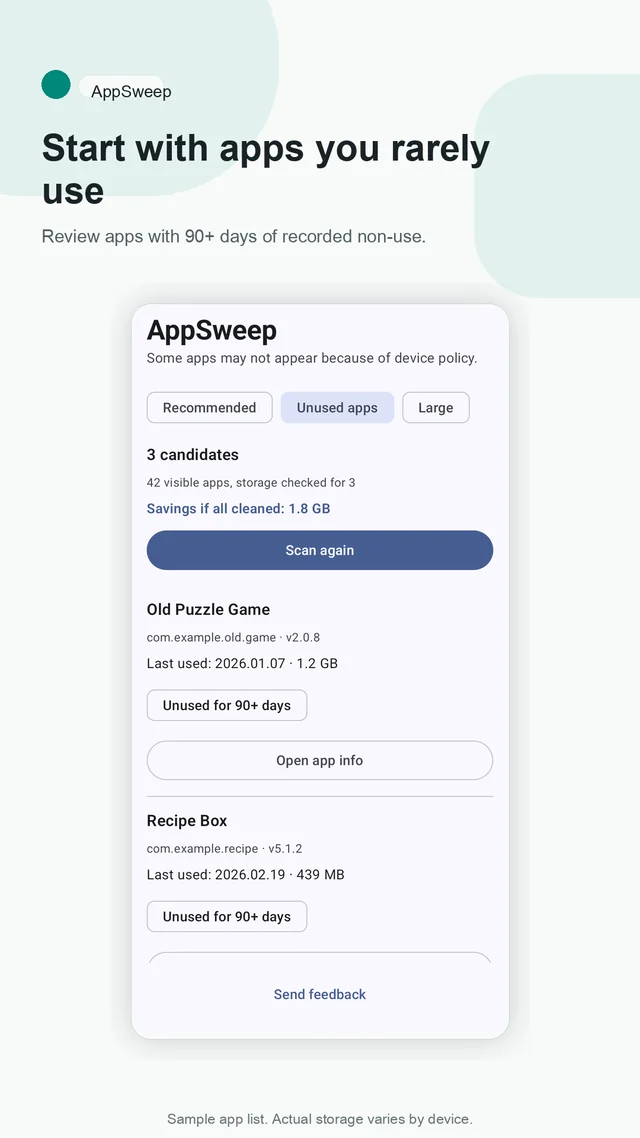
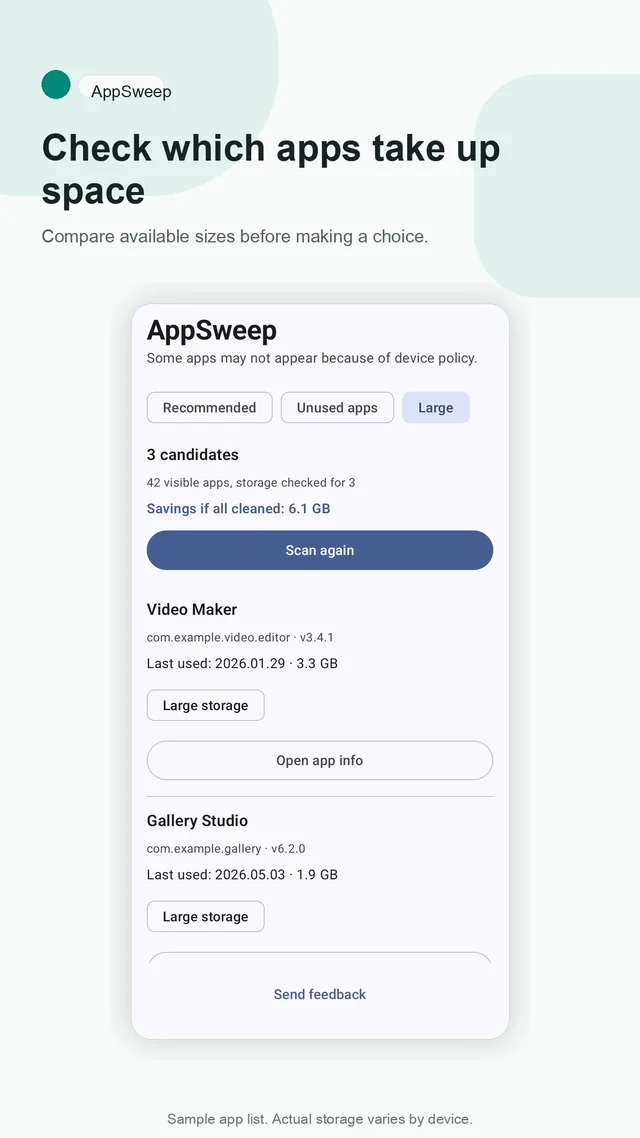
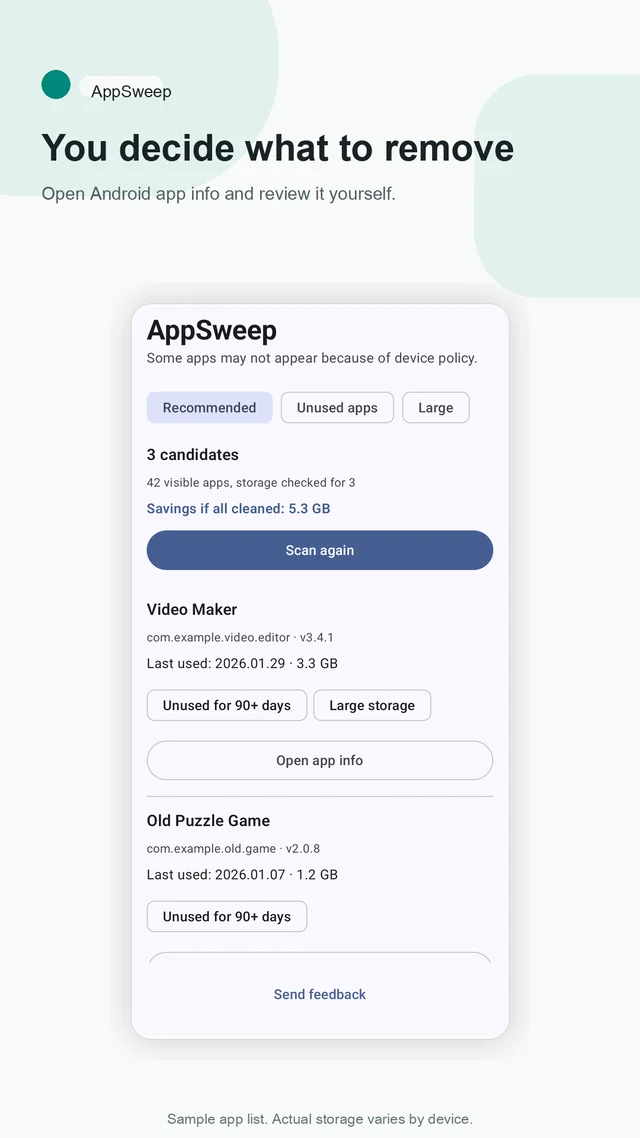
Actual app screens. Appearance and available features vary by device and version.
Getting started
Good to know
Here to help
Tell us the app name and version, your device, and what happened. Please leave out private documents, photos and payment information.
appsupport@bokeriastudio.comRead about permissions, data handling and your choices, alongside the conditions for using the app.